
Connect Apple Health
Connect Apple Health and your weight, body fat and VO2 max arrive in ZONAL on their own. Your Goals page fills in each week without you typing a thing.
What you need
- An iPhone with your readings in Apple Health.
- Health Auto Export from the App Store. Sending on a schedule needs its Premium plan, and it has a free trial.
- A scale or app that writes to Apple Health, like a smart scale's app. Its readings have to reach Apple Health first.
Apple Health can't send data to other apps by itself, so Health Auto Export does the sending.
Steps
In Health Auto Export
- Install it and allow Apple Health. The first time you open Health Auto Export, it asks to read your Apple Health data. Allow at least Weight, Body Fat Percentage and VO2 Max.
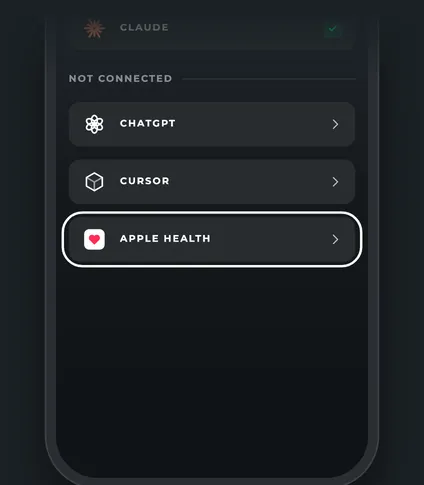
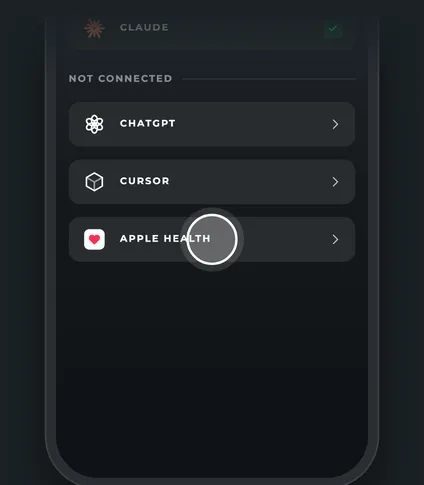
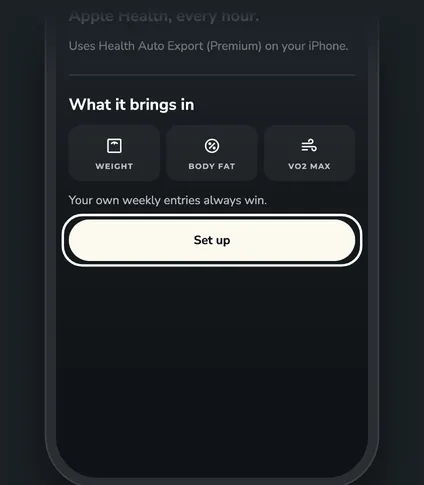
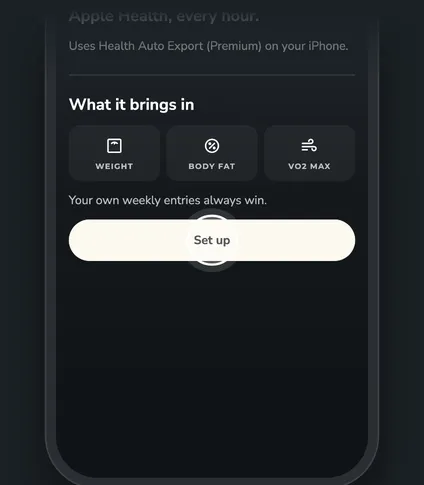
- Tap Set up in ZONAL. Go to More, then Integrations, then Apple Health, and tap Set up. Health Auto Export opens with a new automation named ZONAL already filled in: it sends your health metrics to ZONAL every hour, only what's new since the last send.
- Pick what to send. In the ZONAL automation's metrics list, choose Weight, Body Fat Percentage and, if you want it, VO2 Max. Then save the automation.
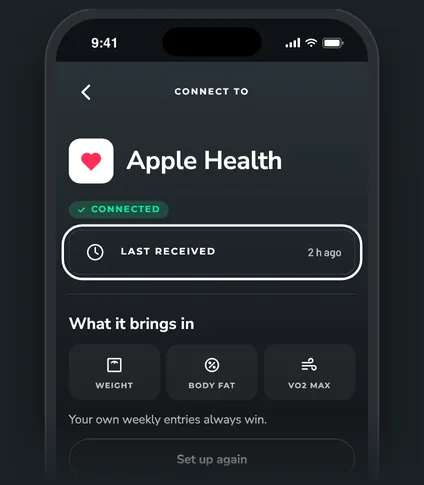
- Run it once. Start the ZONAL automation by hand so the first readings go now. Back in ZONAL, Last received on the Apple Health page shows when they arrived.
- Add past weeks (optional). The automation only sends new readings. To fill in earlier weeks, run a one-time manual export from the ZONAL automation and pick a start date, like January 1.
How ZONAL uses your readings
- Weight, body fat and VO2 max only. Anything else Health Auto Export sends is ignored and not stored.
- One reading per day. If you weigh in twice in a day, the later one counts.
- One value per week. Each Monday to Sunday week uses the average of that week's readings, the same weekly value you'd log by hand.
- Your typed value wins. If you log a week yourself, ZONAL uses your number for that week.
Check it, set it up again or turn it off
Open More, then Integrations, then Apple Health.
- Last received shows when readings last arrived, or Waiting for the first upload.
- Set up again makes a new connection. The old ZONAL automation stops working, so delete it in Health Auto Export and keep the new one.
- Turn off stops new readings. Readings already saved stay.
Questions
Can it fill in weeks from before I connected?
Yes. Run a one-time manual export from the ZONAL automation in Health Auto Export with an earlier start date. Weeks you already logged by hand keep your values.
How often does it send?
About every hour. Your iPhone decides when apps run in the background, so it can take longer, especially in Low Power Mode. Opening Health Auto Export makes it catch up.
Why don't I see a new weigh-in yet?
Your scale's app has to sync to Apple Health first, then Health Auto Export sends it on its next run. Check Last received to see when ZONAL last heard from it.
How do I stop it?
Tap Turn off on the Apple Health page in ZONAL. You can also delete the ZONAL automation in Health Auto Export.