
Connect Claude
Connect Claude to ZONAL and you can ask things like "how did I sleep this week?" in any chat. Claude signs in with your WHOOP account and only ever sees your data.
Steps


Step 1 of 4
In ZONAL
- Tap the + button, then More.
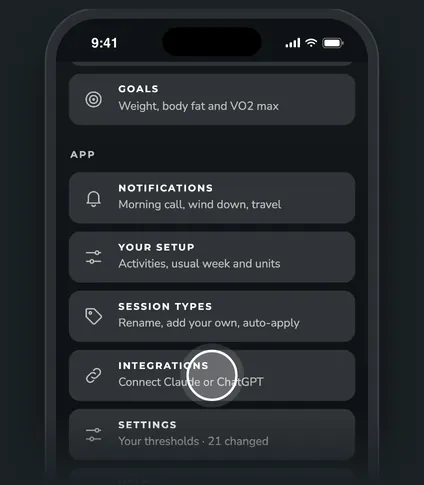
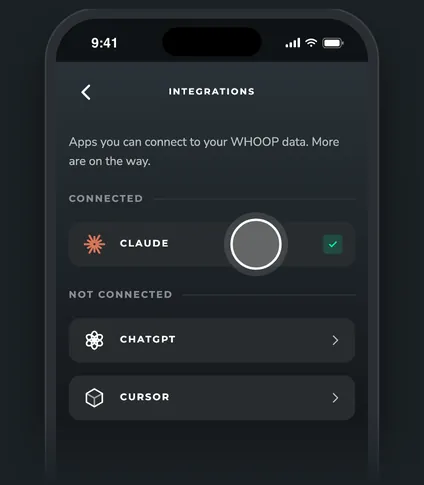
- Tap Integrations, then Claude.
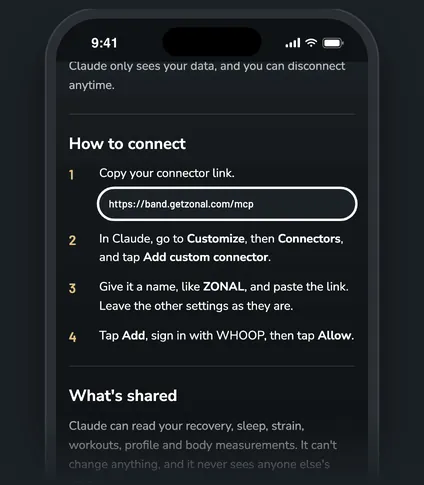
- Tap Copy connector link. The link is
https://band.getzonal.com/mcp.
In Claude
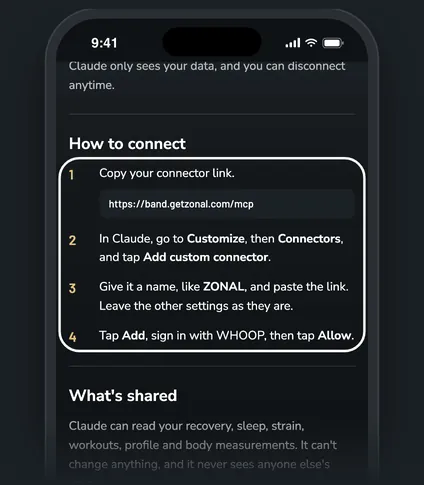
- Go to Customize, then Connectors, and tap Add custom connector.
- Give it a name, like ZONAL, and paste the link. Leave the other settings as they are.
- Tap Add. Claude sends you to ZONAL to sign in with WHOOP.
- On the Connect Claude to your WHOOP data page, tap Allow.
Back in ZONAL, Claude now shows under Connected on the Integrations page, with a check.
Good to know. ZONAL's Claude page says it works on any Claude plan. The free plan allows one custom connector, and on Team or Enterprise plans an Owner adds it first.
Disconnect
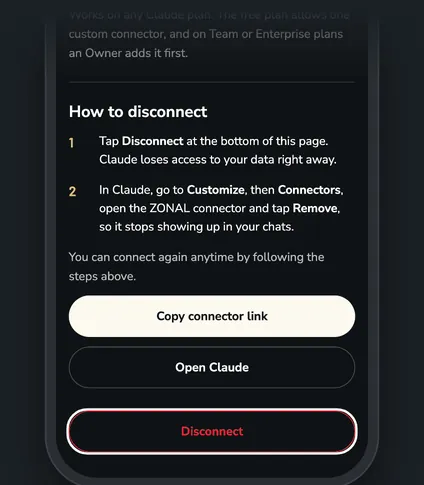
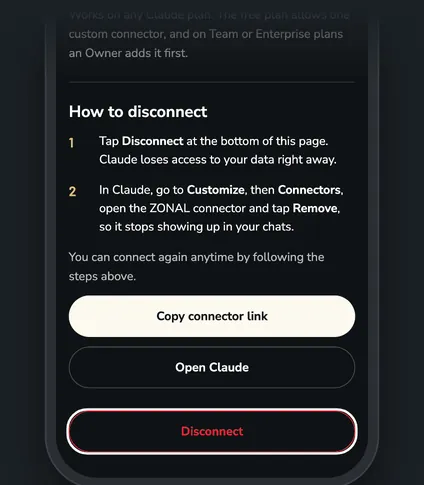
- In ZONAL, open Integrations, then Claude, and tap Disconnect. Tap again to confirm. Claude loses access right away.
- In Claude, go to Customize, then Connectors, open the ZONAL connector and tap Remove, so it stops showing up in your chats.
Questions
What can Claude see?
Your recovery, sleep, strain, workouts, WHOOP profile and body measurements. It can't change anything. See What your AI app can see.
I connected before ZONAL moved to band.getzonal.com. Do I need to redo it?
An existing connector keeps working. If you ever add it again from scratch, use https://band.getzonal.com/mcp.
I tapped Cancel by mistake. What now?
Nothing was connected. Go back to Claude and add the connector again.
Related
Was this helpful?