
Find your way around ZONAL
Everything in ZONAL sits behind four tabs and one round button. Here's what lives where, so you can find any screen in a tap or two.
Steps
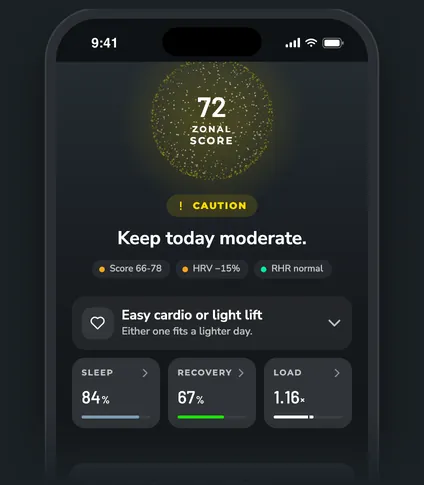
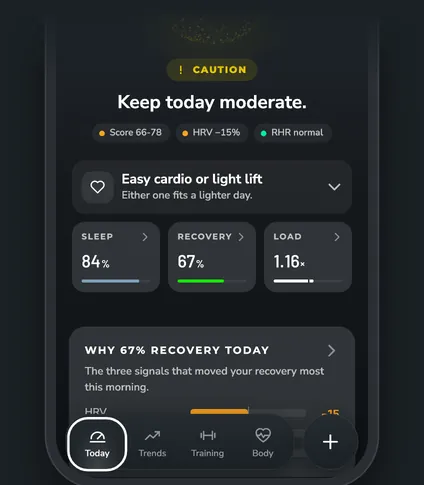
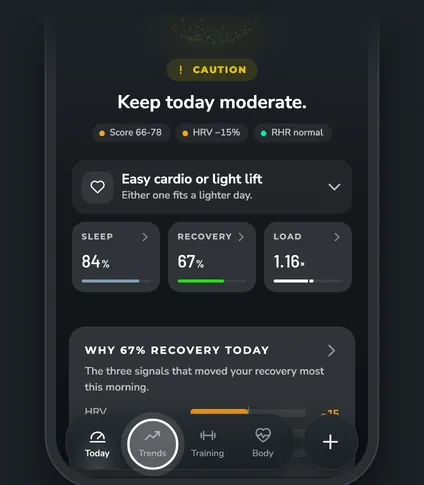
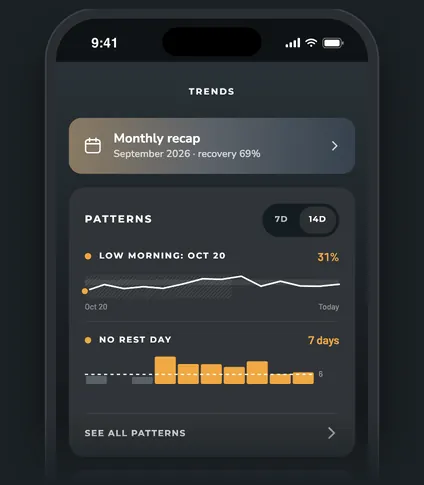
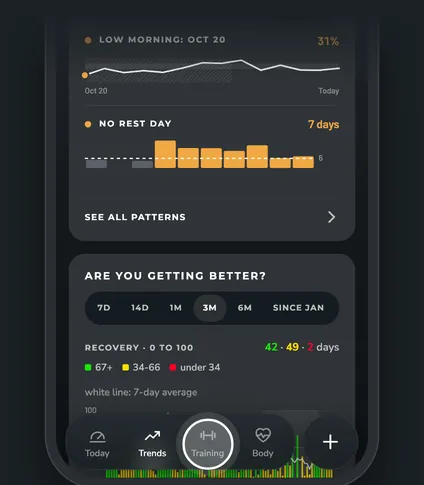
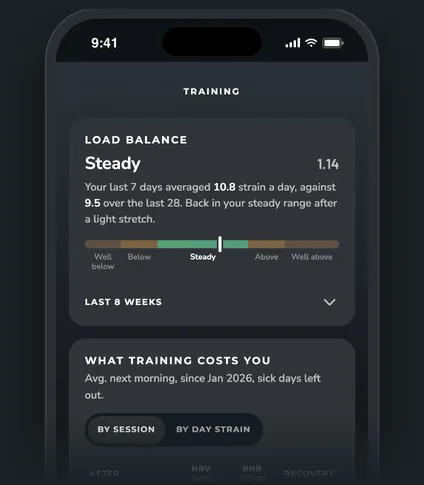
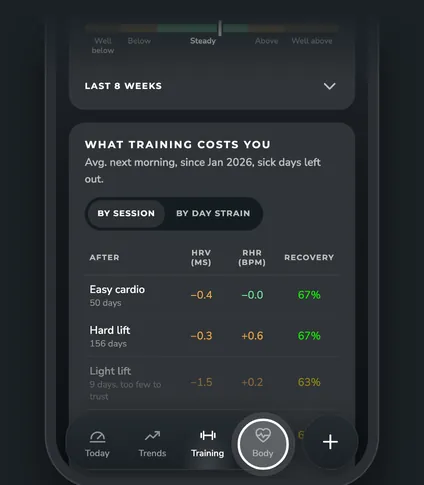
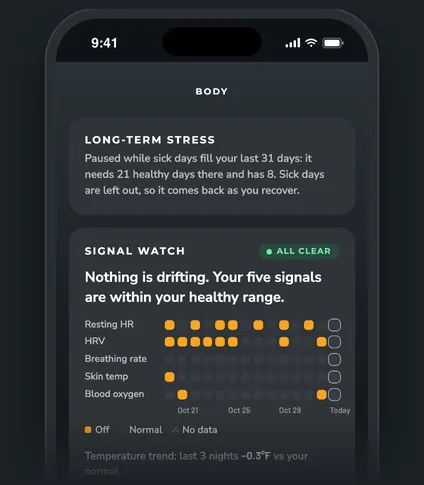


The four tabs
The tab bar at the bottom has four tabs:
| Tab | What's on it |
|---|---|
| Today | Your ZONAL Score and the morning call, Today's session, Why today, Tomorrow's recovery, Sleep debt, This Morning and What to adjust |
| Trends | Your Monthly recap, Patterns, Are you getting better? and What moves your numbers |
| Training | Load balance, What training costs you and your weekly hours by session |
| Body | Long-term stress, Signal watch and your Sleep schedule |
Most cards open a bigger view when you tap them. A back arrow at the top takes you to where you were.
The round + button
The round + next to the tabs opens a short menu: - Reports: your weekly reports, monthly recaps and finished experiments. - Experiments: try one change for 14 nights and see if it helped. - Travel mode: plan a trip or tell ZONAL you're adjusting to a new time zone. - More: everything else.
The + turns into an ✕ while the menu is open. Tap a choice, tap outside the menu or tap the ✕ to close it.
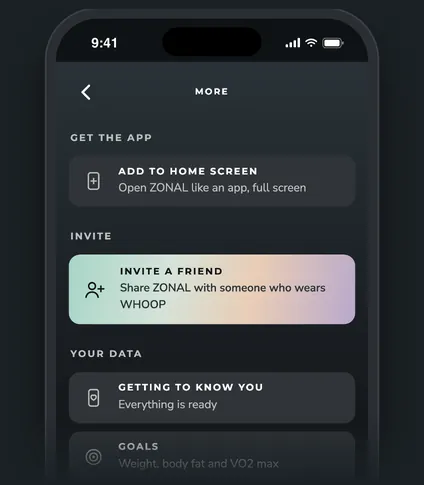
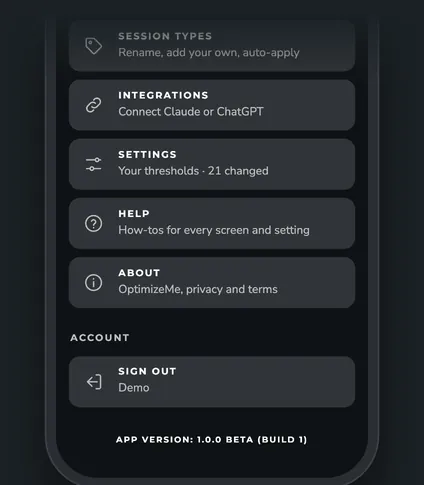
What's in More
- Get the app: Add to Home Screen (only shows in a browser).
- Invite: Invite a friend who wears WHOOP.
- Your data: Getting to know you (what's ready and what's still learning) and Goals (weight, body fat and VO2 max).
- App: Notifications, Your setup, Session types, Integrations (connect your AI app), Settings, Help (opens this Help Center) and About.
- Account: Sign out.
The top of the screen
Your initials at the top left open your profile. The box at the top right shows when ZONAL last synced with WHOOP. Tap it to sync now.
Questions
Where are the settings?
Tap the round + button, then More, then Settings. The tuning numbers behind each call are under Advanced settings at the bottom of Settings.
How do I see how a number is worked out?
Each feature has its own article in this Help Center that explains its numbers in plain words. For this morning's score, tap the Why today card on the Today tab to see what moved it.
Why doesn't More have the tab bar?
More is its own page. Tap the back arrow at the top to go back to the tab you came from.