
Invite a friend
Know someone who wears WHOOP? Send them your link. They sign in with their own WHOOP account and get their own ZONAL. They never see your data, and you never see theirs.
Steps


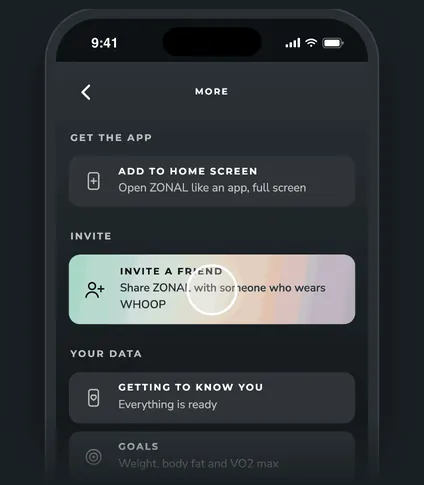
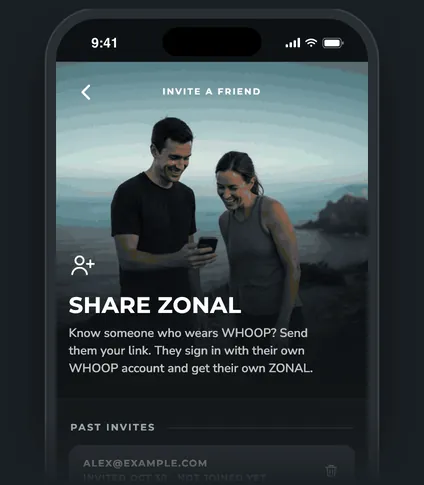
Step 1 of 4
Two ways to invite
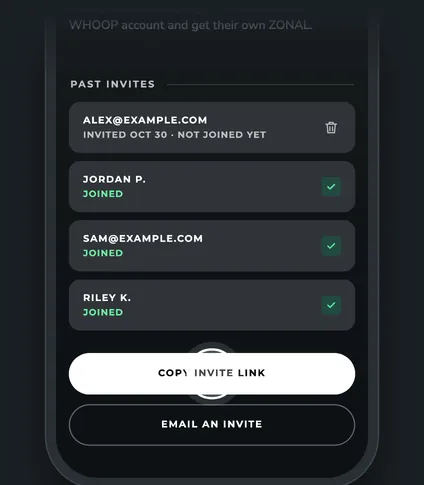
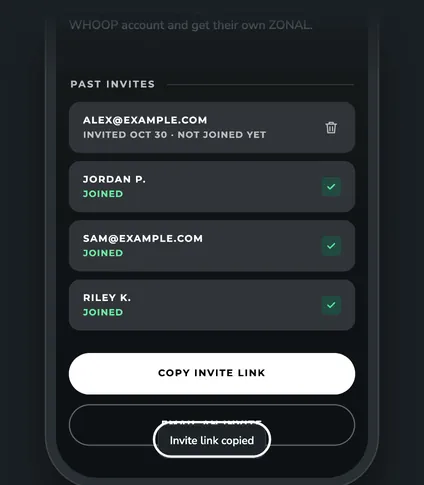
- Copy invite link. Paste it anywhere: a text, a group chat, a DM. You'll see "Invite link copied".
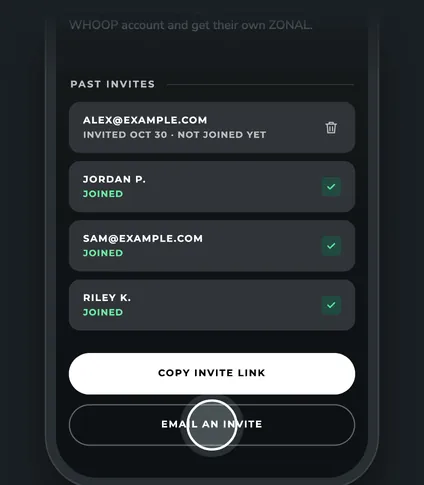
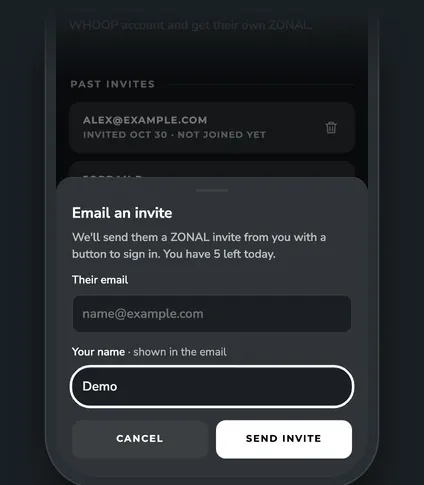
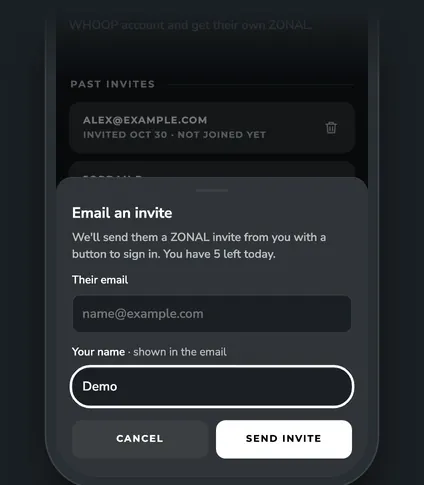
- Email an invite. Type their email and check your name. Your name is shown in the email, so change it if you like. ZONAL sends them an invite from you with a button to sign in.
You can email up to 5 invites a day. The sheet tells you how many you have left today.
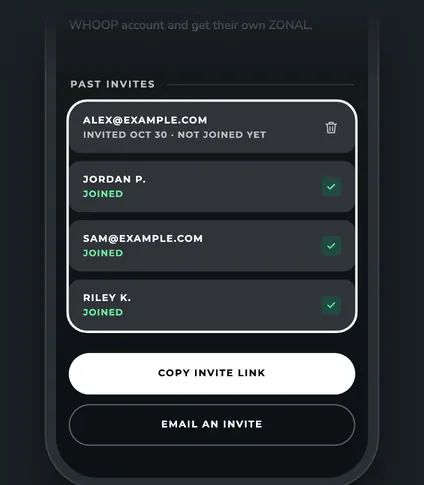
Past invites
The Invite a friend page lists your invites, newest first:
- An emailed invite shows the address you typed, with "Invited Oct 30 · not joined yet" or Joined.
- Someone who joined with your copied link shows their first name and last initial, with Joined.
To remove an invite that hasn't been used, tap its trash can, then tap again within a few seconds to delete it.
Questions
What if my friend already uses ZONAL?
You'll see "No invite needed. That address already has a ZONAL account." Nothing is sent.
Why didn't my friend get the email?
Check their spam folder first. If they unsubscribed from ZONAL emails before, no invite email can reach them, so send the link instead.
Can I see my friend's numbers?
No. Each person only ever sees their own data.
Related
Was this helpful?