
What moves your numbers
What moves your numbers shows what tends to come before a better or worse morning for you. It's on the Trends tab.
Steps
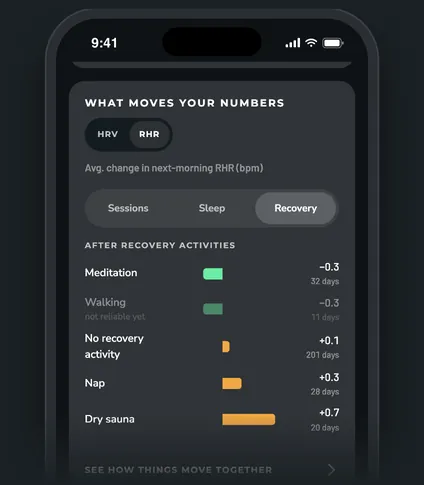
How it measures
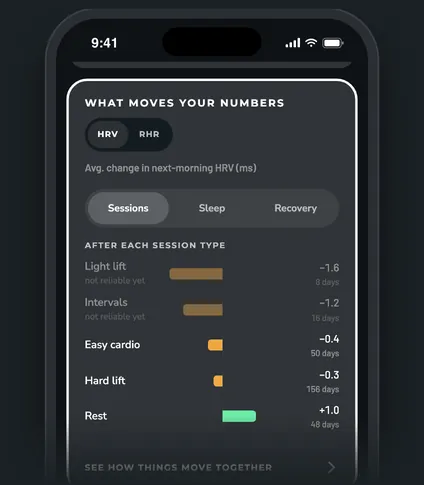
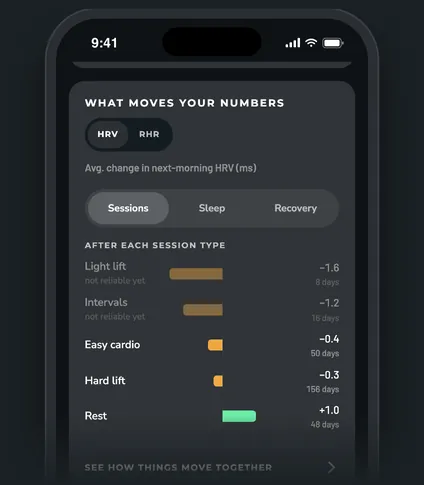
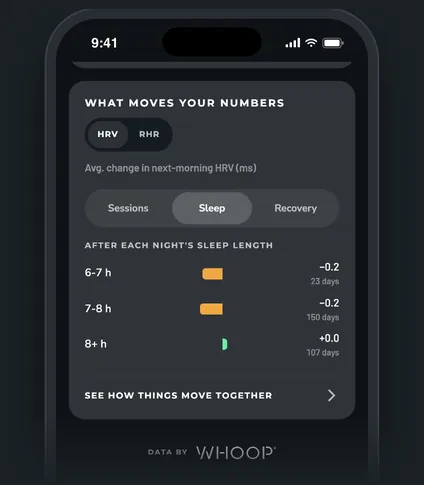
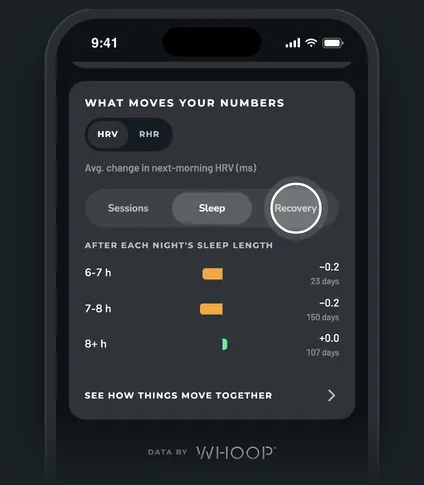
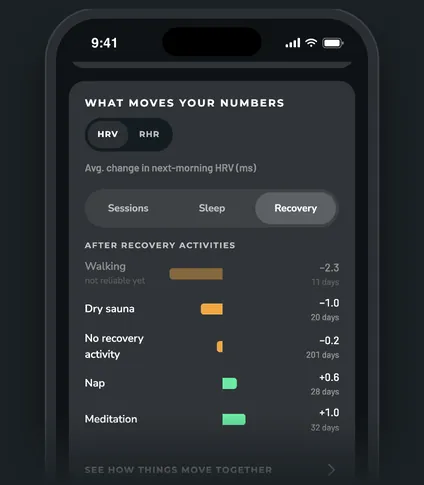
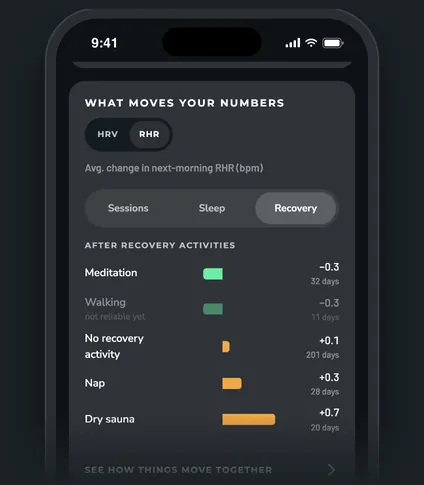
Each bar is the average change in your next-morning HRV (or resting heart rate) against your average of the 7 mornings before. Bars in the "better" color moved the right way (HRV up, resting heart rate down). Each row shows how many days it's built on.
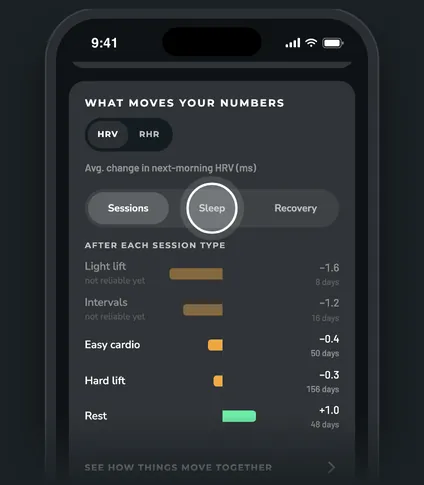
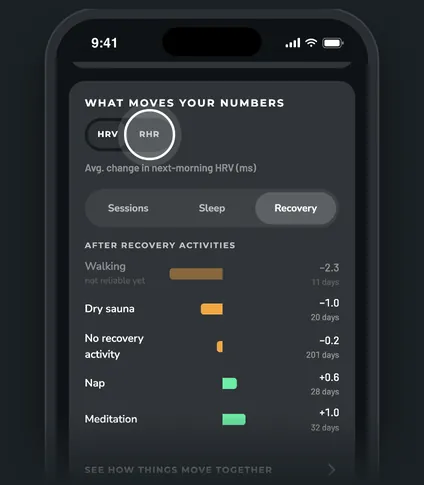
Switch between HRV and RHR at the top. Then pick a list:
- Sessions: after each session type. Days with no scored workout, or with strain of 5 or less, count as Rest. Only the day's main (highest-strain) session counts.
- Sleep: after each night's sleep length, in groups under 6 h, 6-7 h, 7-8 h and 8+ h.
- Recovery: after recovery activities like walks, naps, sauna or meditation, next to days with No recovery activity.
What counts
- Only days since your program start are used.
- Sick days are left out, and so are travel days when they're excluded from your norms.
- A row needs at least 5 days to show. Rows with fewer than 20 days are faded and marked "not reliable yet", because a few random mornings can swing a small group.
Good to know. These are links in your own data, not proof of cause. To test one change properly, run it as an experiment.
See how things move together
Tap See how things move together at the bottom of the card. It opens a table of how strongly each driver lines up with your next-morning numbers, from -1 to +1. Under 0.2 either way means no clear link.
Questions
Why is a session type missing?
It has fewer than 5 days. If a workout is filed under the wrong type, tag it.
Why does it say "Not enough data yet"?
None of the groups in that list has 5 days yet.
How is this different from What training costs you?
Both use the same next-morning measure. What training costs you on the Training tab puts HRV, resting heart rate and recovery side by side for each session type. This card adds sleep length and recovery activities.