
Use travel mode
Travel mode gives you a short plan to get your body clock onto local time, with light, sleep and training tips for each day. It also keeps jet-lagged days from skewing your normal ranges.
Steps


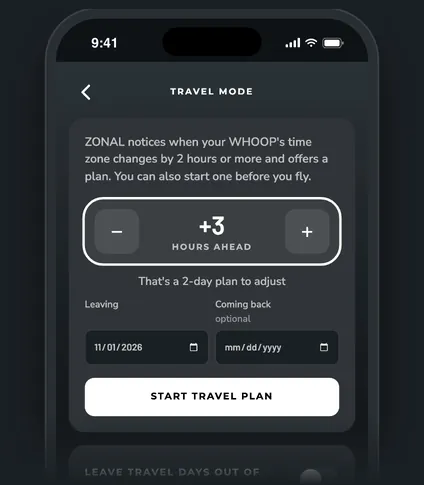
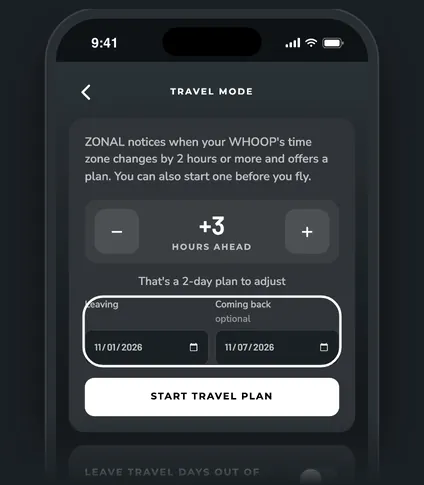
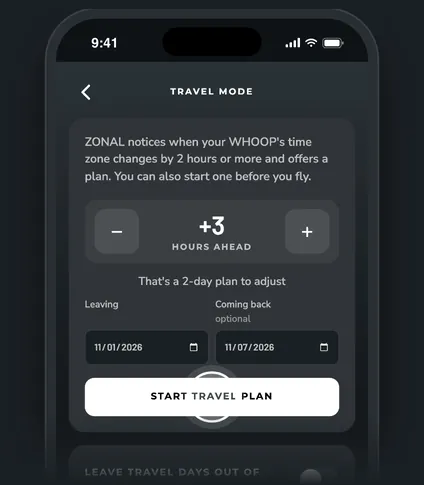
When ZONAL offers a plan on its own
Your WHOOP records the time zone of each day. When it moves 2 hours or more from your home zone, Today shows a New time zone card with two buttons:
- Start travel plan starts the plan today.
- I'm not traveling hides the card for that time zone.
Daylight saving only moves the clock 1 hour, so it never sets this off. Your home zone is the one you've slept in most over the last 60 days, with trip days left out.
How long the plan runs
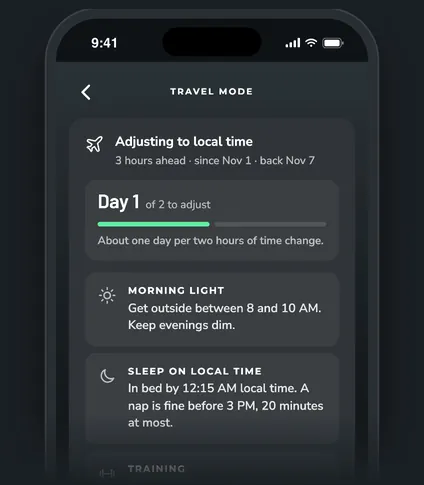
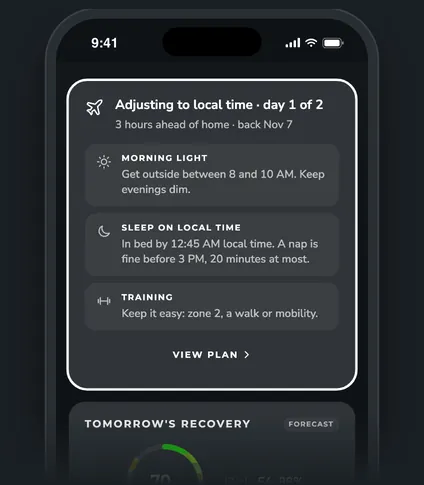
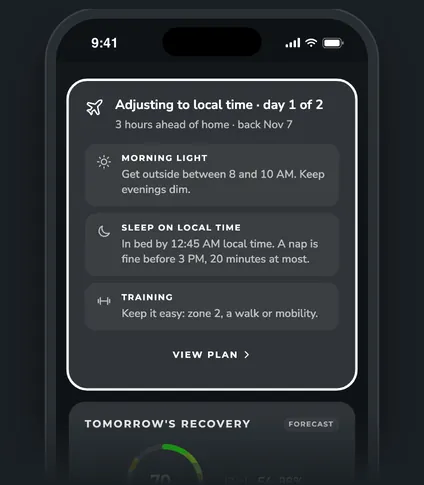
The plan is about one day for every two hours of time change, from 1 to 4 days. A 3-hour shift is a 2-day plan. While it runs, Today shows "Adjusting to local time · day 1 of 2". Once the plan is done, the card reads "Traveling · day 4" until the trip ends.
Each day you get three tips:
| Tip | Flying east | Flying west |
|---|---|---|
| Light | Get outside between 8 and 10 AM. Keep evenings dim. | Get daylight between 4 and 7 PM. Keep early mornings dim. |
| Sleep on local time | In bed by your usual bedtime, local time. A nap is fine before 3 PM, 20 minutes at most. | Same |
| Training | Train as usual if your recovery is green. Otherwise keep it easy: zone 2, a walk or mobility. | Same |
Leave travel days out of your normals
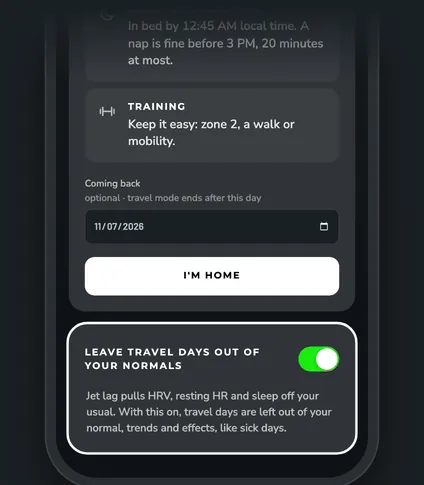
Jet lag pulls HRV, resting HR and sleep off your usual. With Leave travel days out of your normals on (it's on by default), travel days are left out of your normal, trends and effects, the same way sick days are. The switch is on the Travel mode page.
Ending the trip
- Tap I'm home on the Travel mode page, or on the Welcome back. End travel mode? card that shows up once your WHOOP is back on your home time. The trip ends yesterday, so today counts as a normal day.
- If you set a Coming back date, the trip ends on its own after that day. The flight home still counts as a travel day.
Coming home is jet lag too. After a trip of 2 hours or more, Today shows Back home: adjusting with tips for the other direction. Tap Dismiss to hide it.
Questions
Can I start a plan before I fly?
Yes. Open Travel mode from the + button, set the time change and a Leaving date. See Plan a trip ahead.
I started a trip by mistake. Can I remove it?
Yes. Ended trips are listed under Past trips on the Travel mode page. Tap Delete and those days count as normal days again. A toast lets you undo it.
Does travel mode change my WHOOP data?
No. It only changes how ZONAL reads those days. Your WHOOP account isn't touched.