
Tomorrow's recovery, today.
ZONAL turns your WHOOP recovery, sleep, strain and workouts into a morning call, a forecast of tomorrow's recovery and a clear view of what moves your numbers.
How to use ZONAL
A minute in the morning, a look before bed and a check-in once a week.
Here's what each part does.

The ZONAL Score
One score built from your WHOOP Recovery, last night's sleep and Load, which compares your last 7 days of strain with your last 28. That look back shows when a run of hard days calls for a lighter, deload week. Under the score is a plain call, go, caution or swap, with chips that show why.
Tomorrow's recovery, today
See where tomorrow's recovery is likely to land, based on how your own past days played out. Drag today's strain and tonight's sleep to see what each choice could do, and use it to pick a hard or a lighter workout. It starts from the strain you've already done and updates as the day goes on.

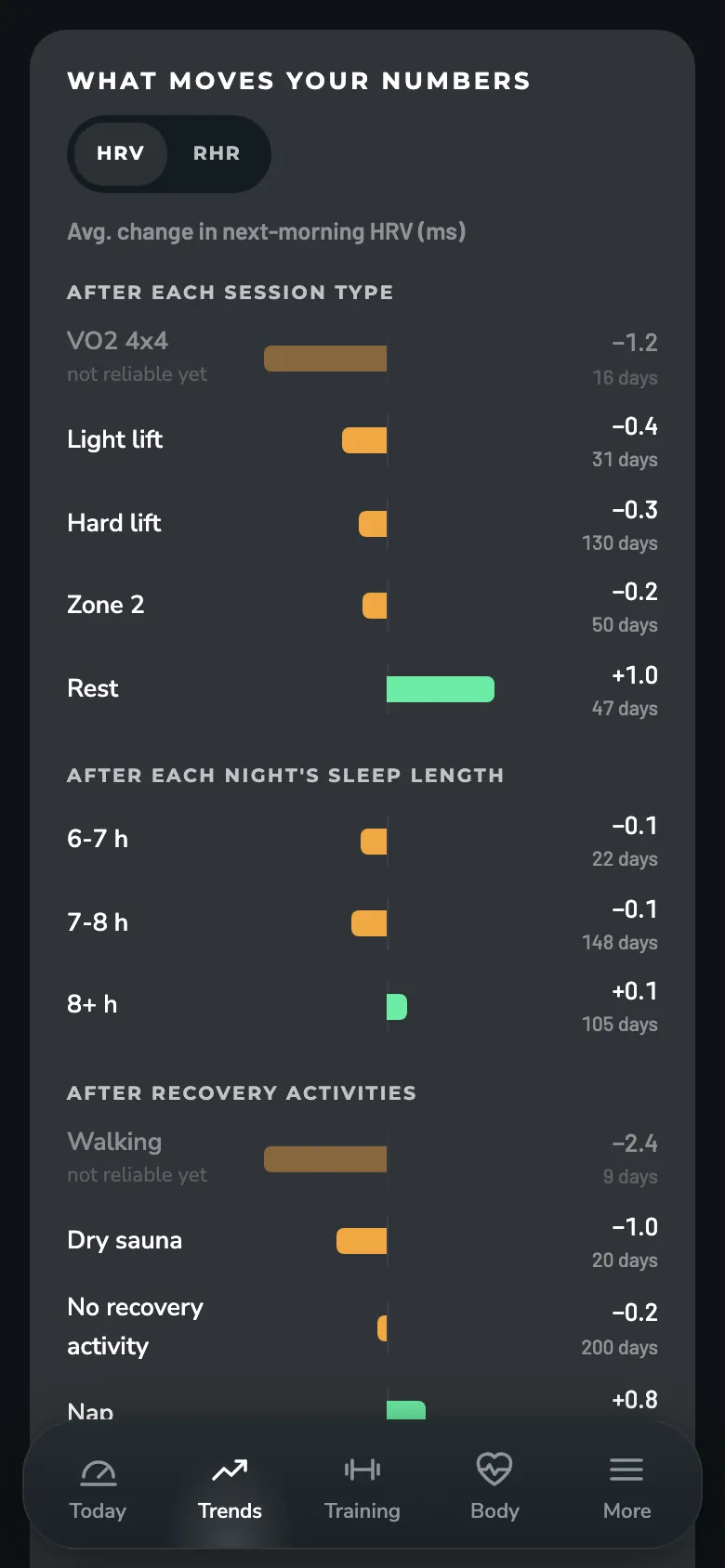
What moves your numbers
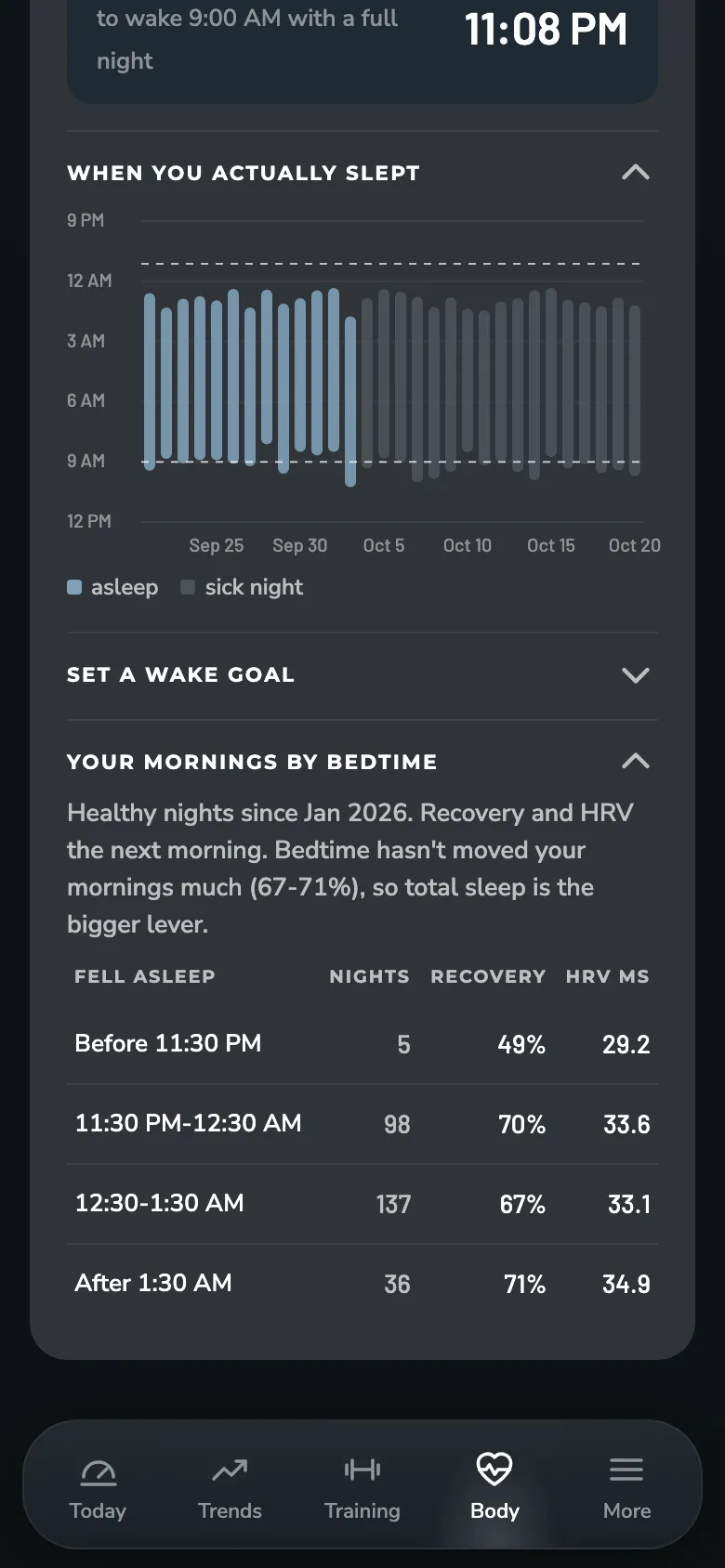
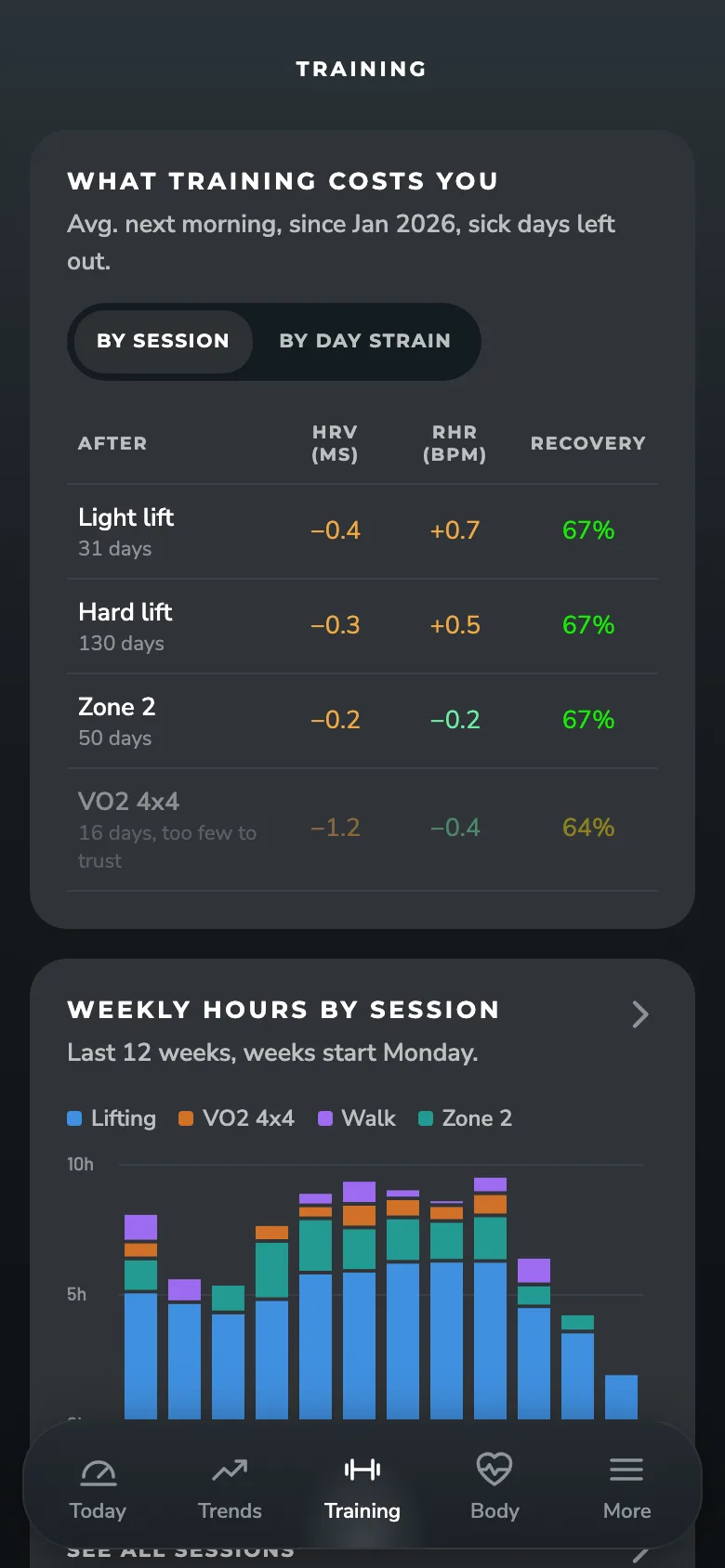
How each kind of session shifts your HRV and resting heart rate the next morning, against the week before. Green helps, orange costs you. The same view covers sleep length and recovery habits like sauna and meditation, so you can see what your hard days really cost and what helps you bounce back.
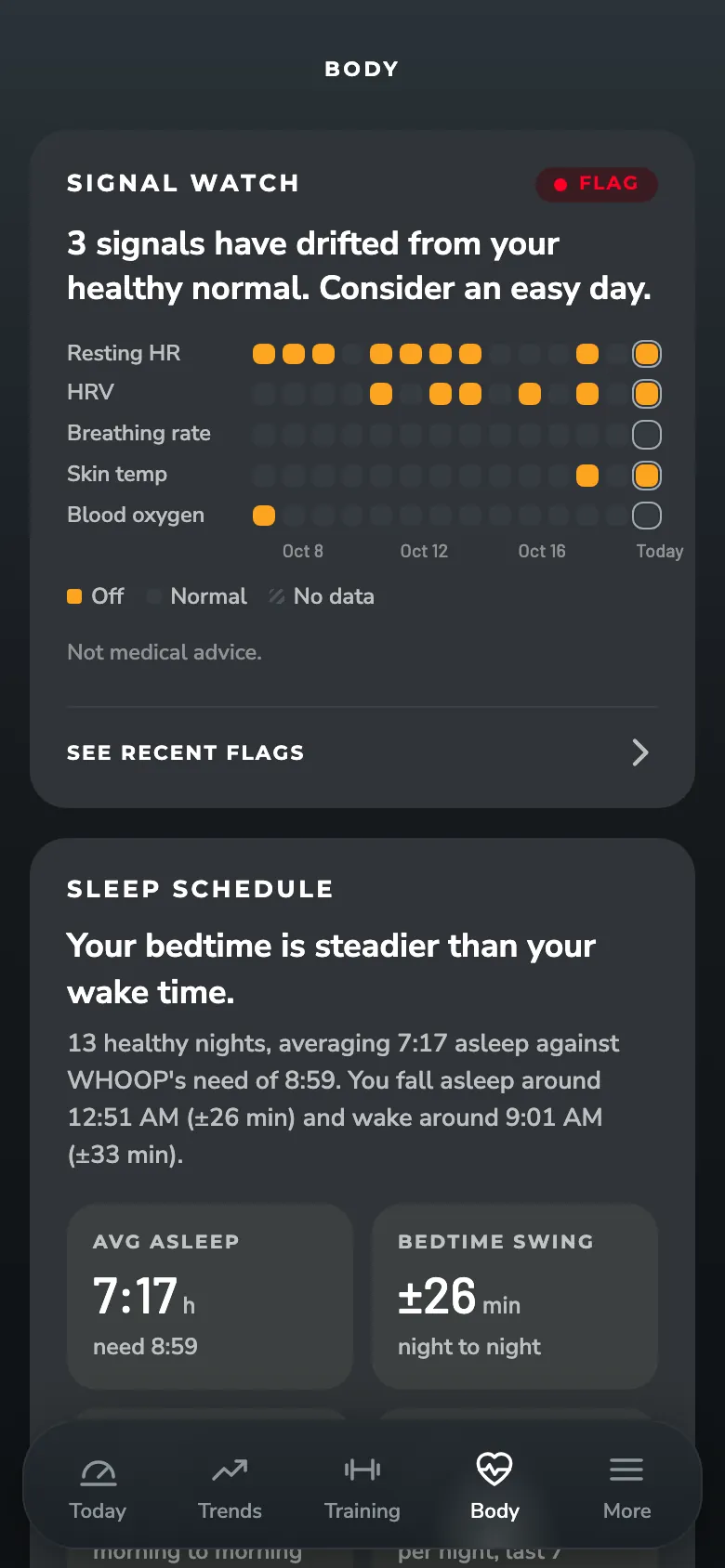
Signal watch
Five signals checked against your healthy normal every morning: resting heart rate, HRV, breathing rate, skin temp and blood oxygen. When several drift at once, ZONAL flags it so you can take it easy early. Log a sick day and Back to baseline tracks when you're truly back to normal.

Monthly recap
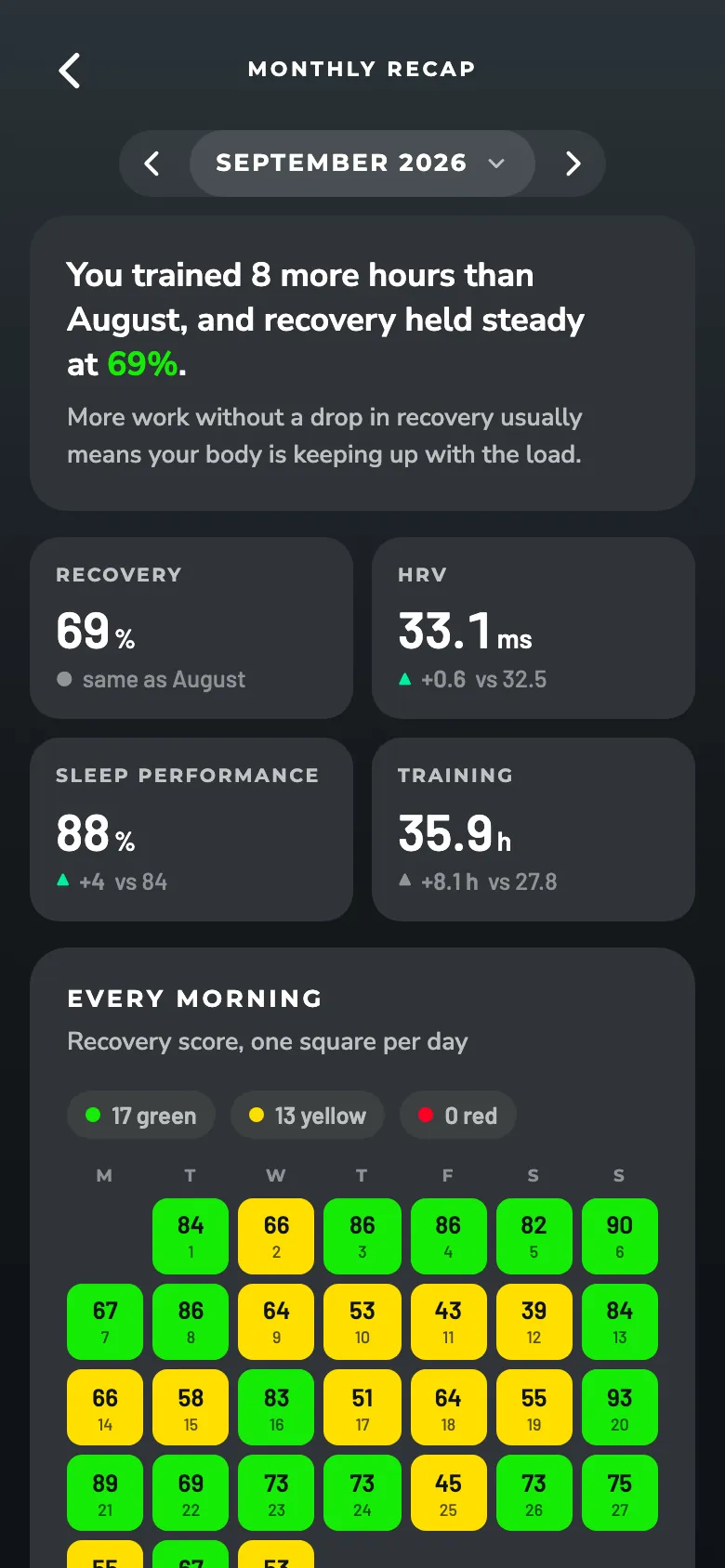
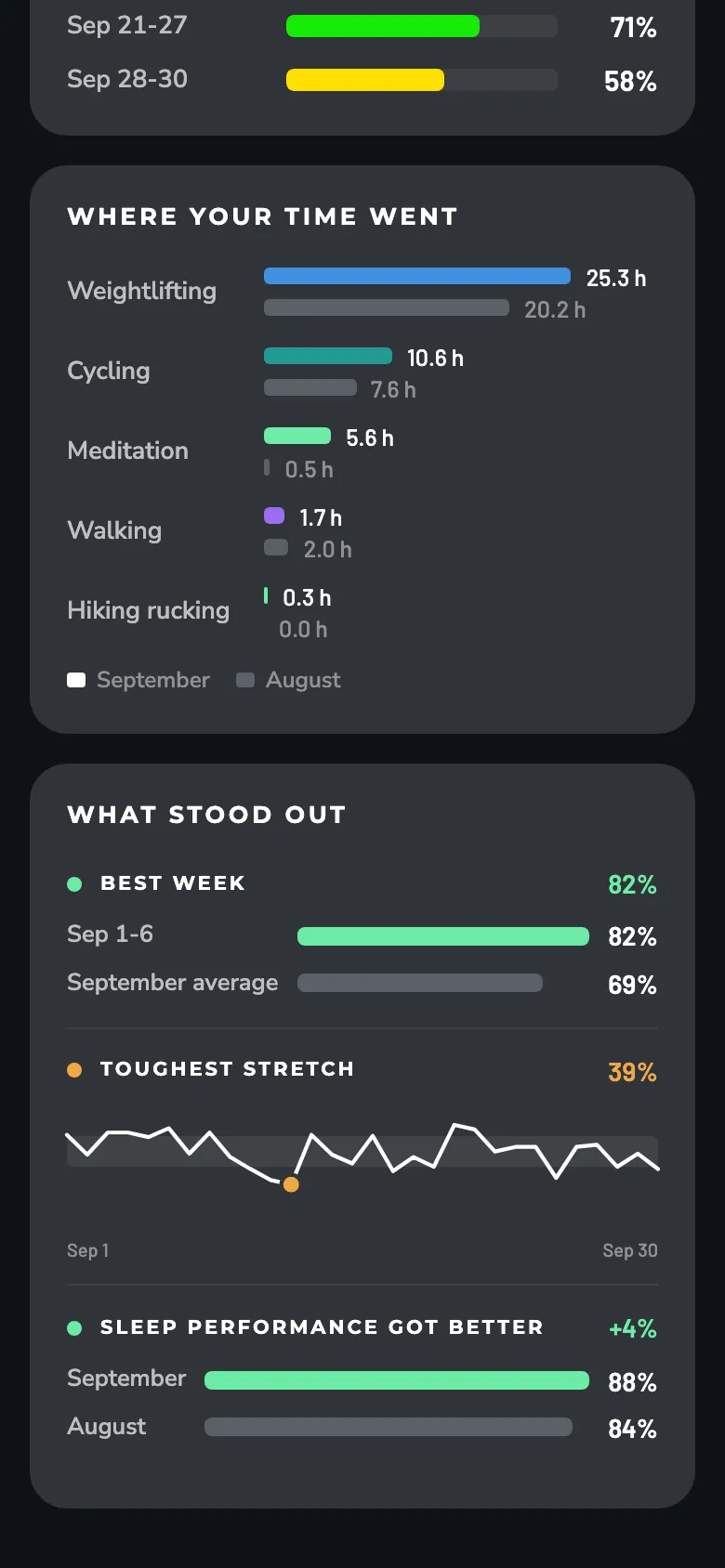
Every morning of the month on one calendar in WHOOP's recovery colors, with your best week, your toughest stretch and what changed against the month before.
Your normal
Every number in ZONAL is measured against your own normal: your last 28 healthy mornings, updated every day, with sick days left out. If you already wear WHOOP, it's ready from your history on day one. New to WHOOP? ZONAL shows what it's still learning and turns each part on once there's enough data.
Ask your AI app about your WHOOP data
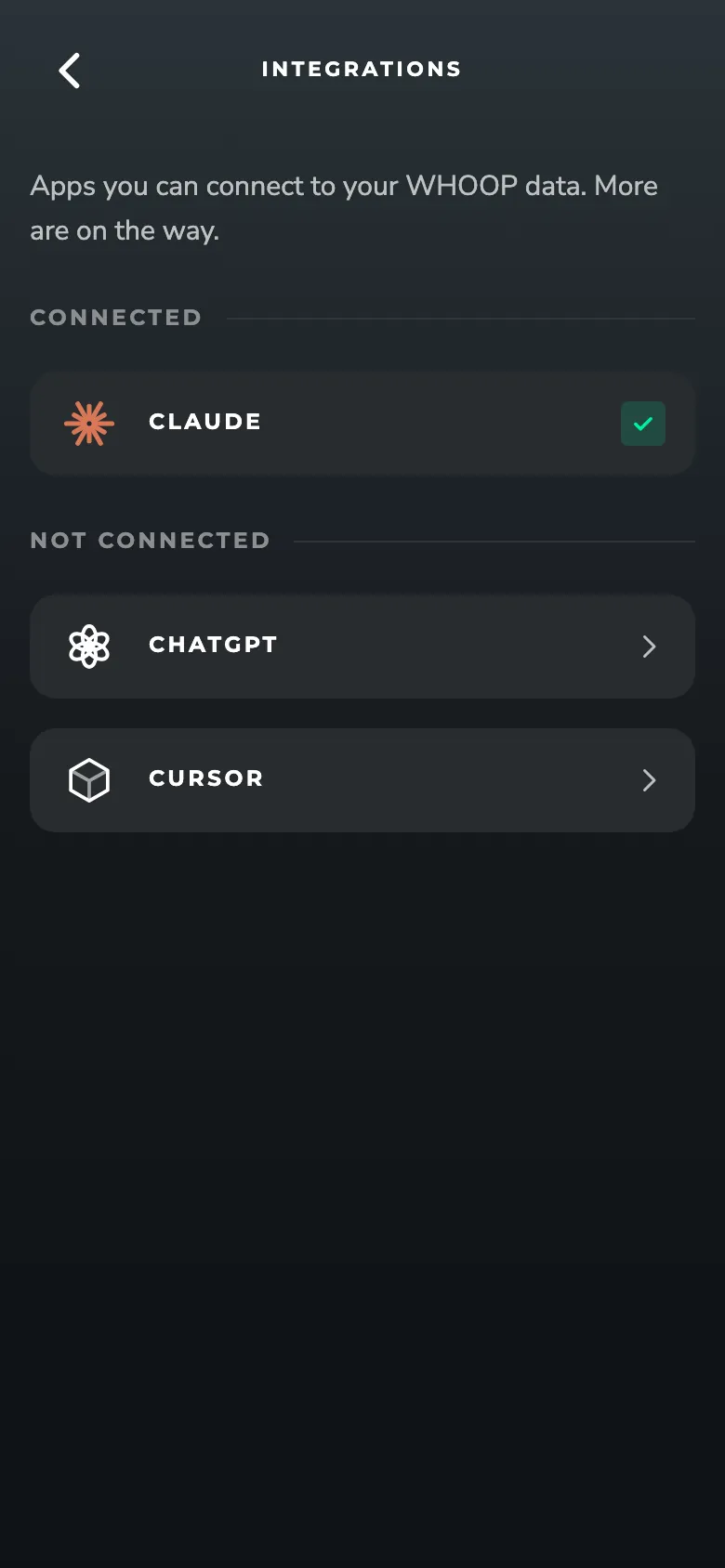
Connect ZONAL to Claude, ChatGPT or Cursor and ask about your recovery, sleep and training in plain words.
The screens
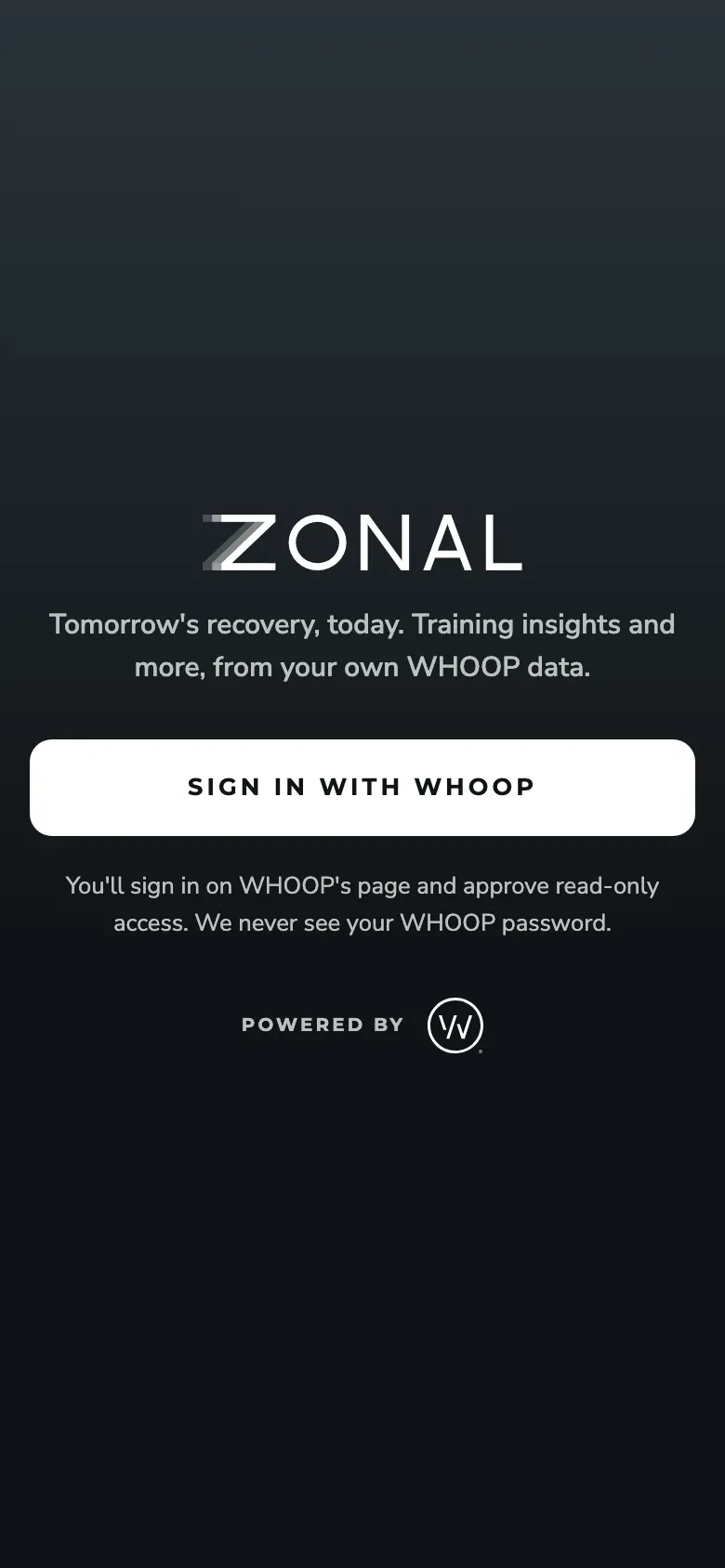
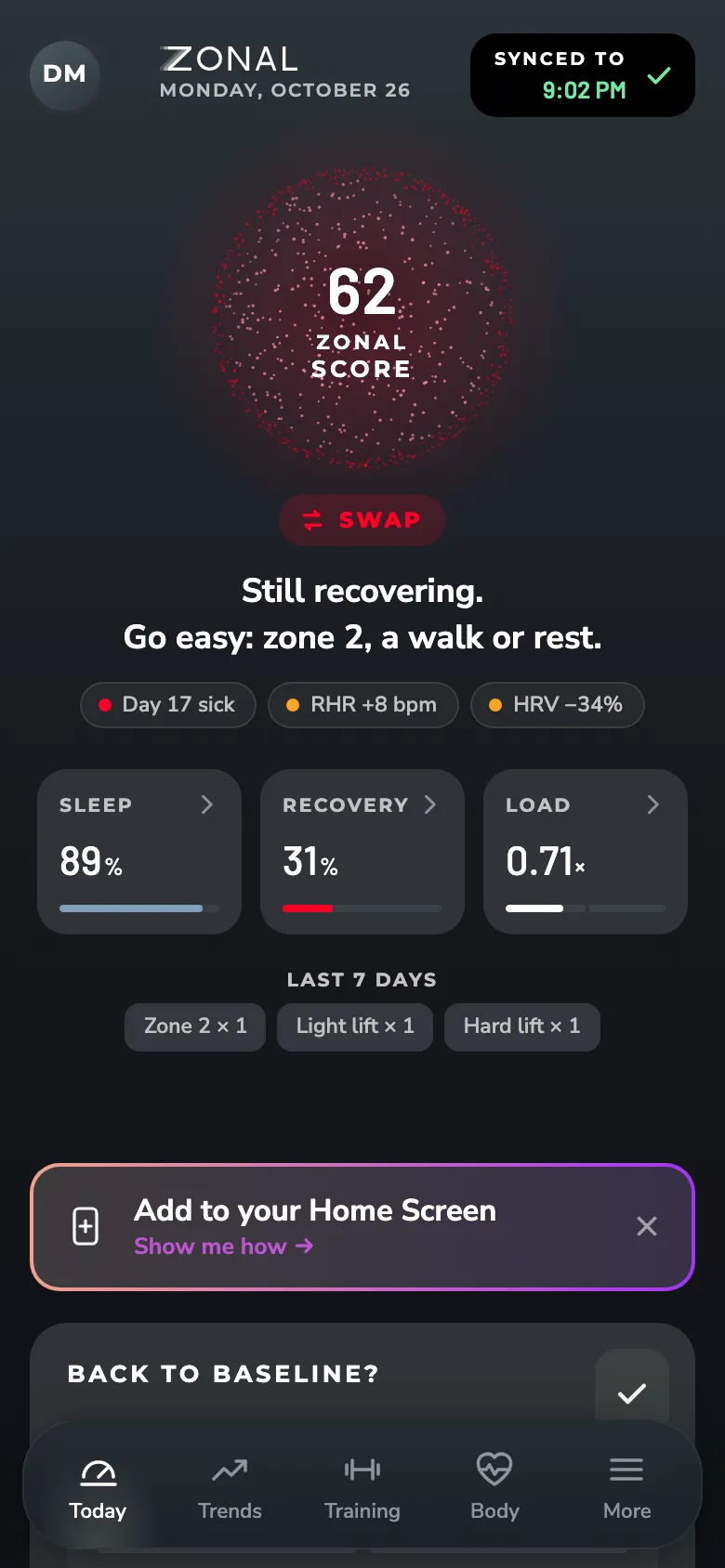
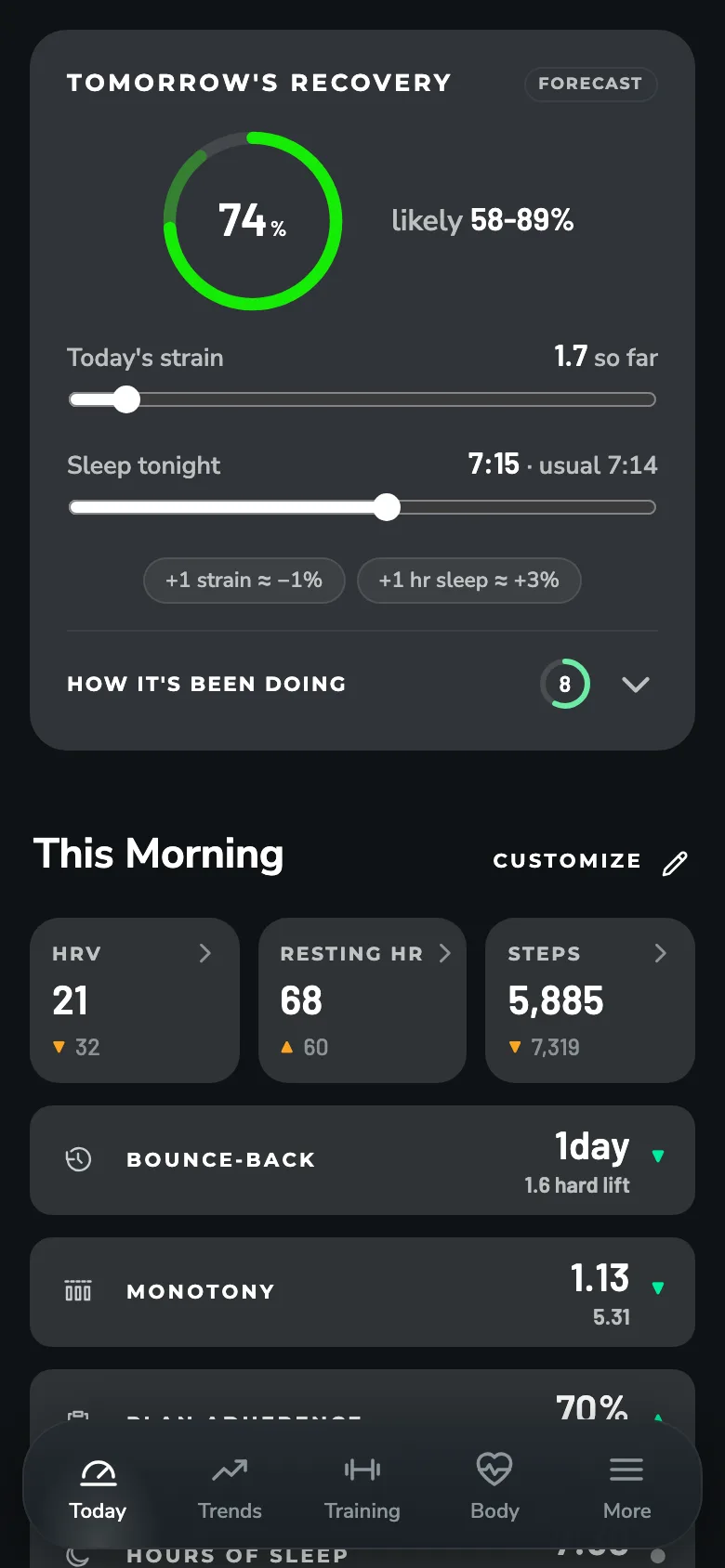
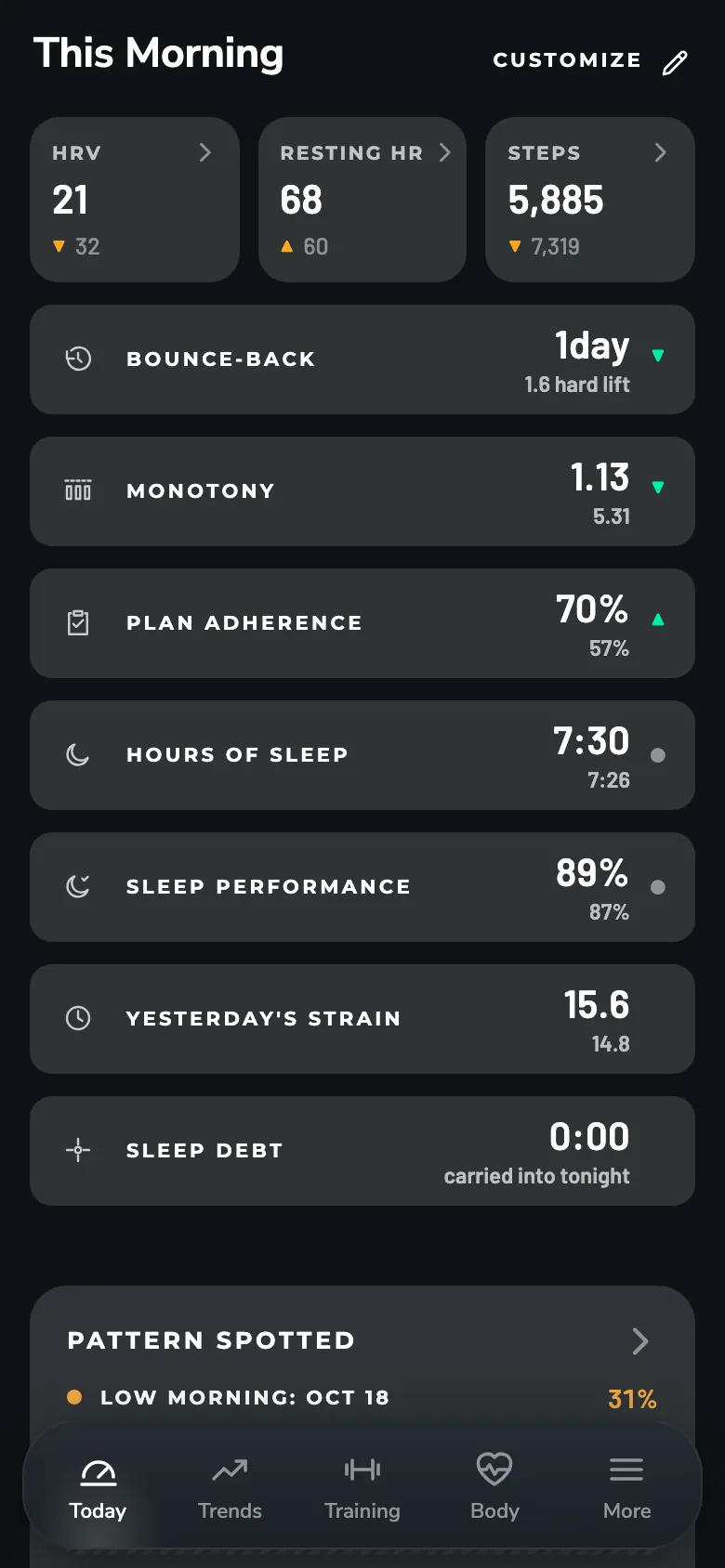
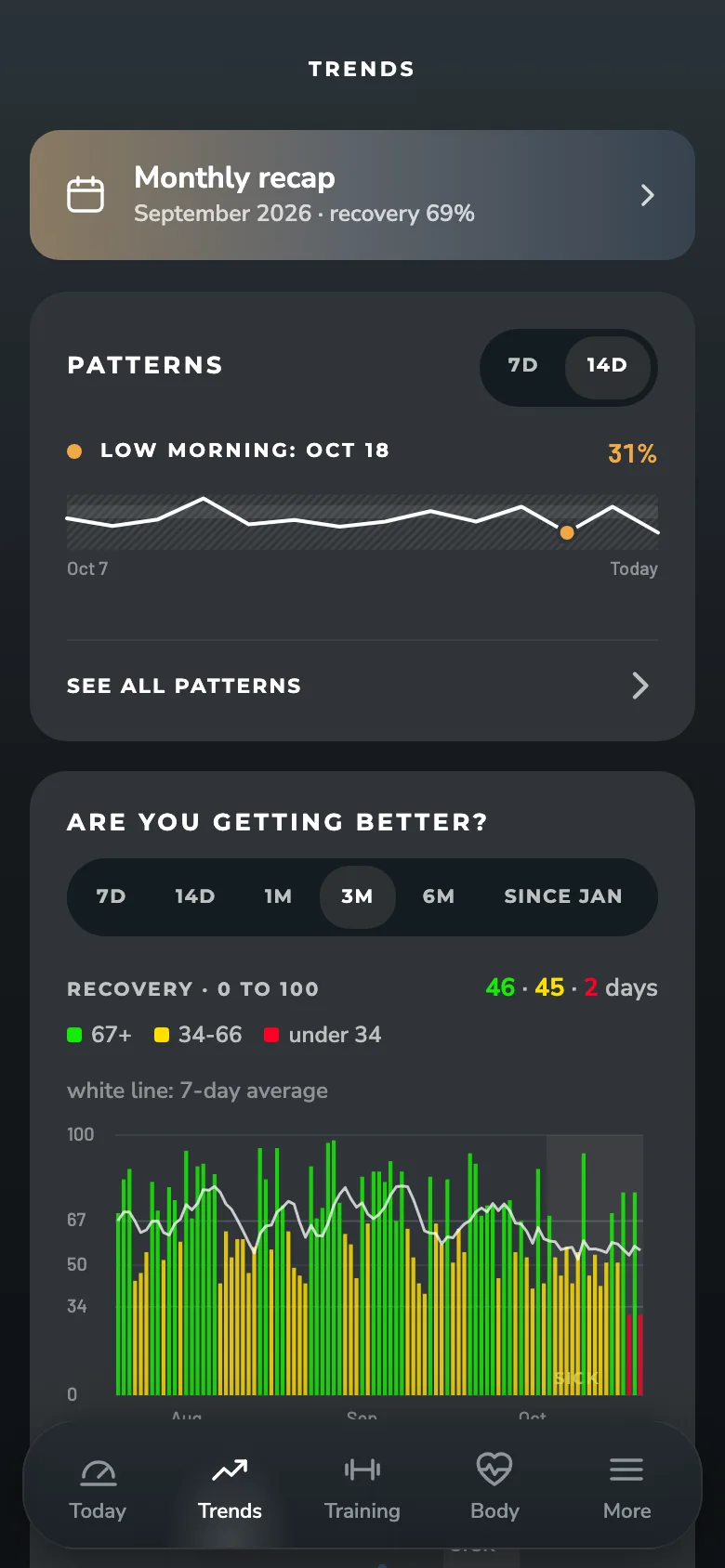
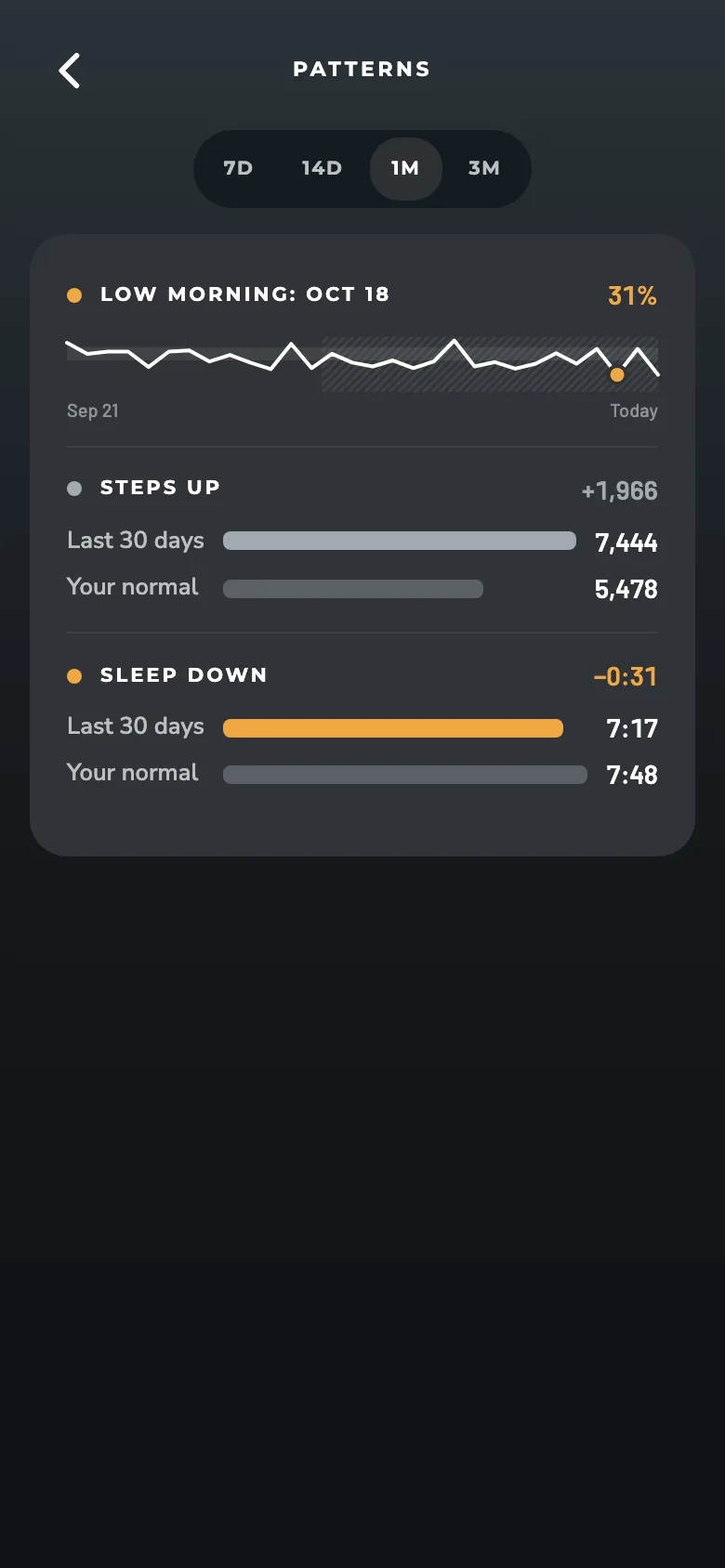
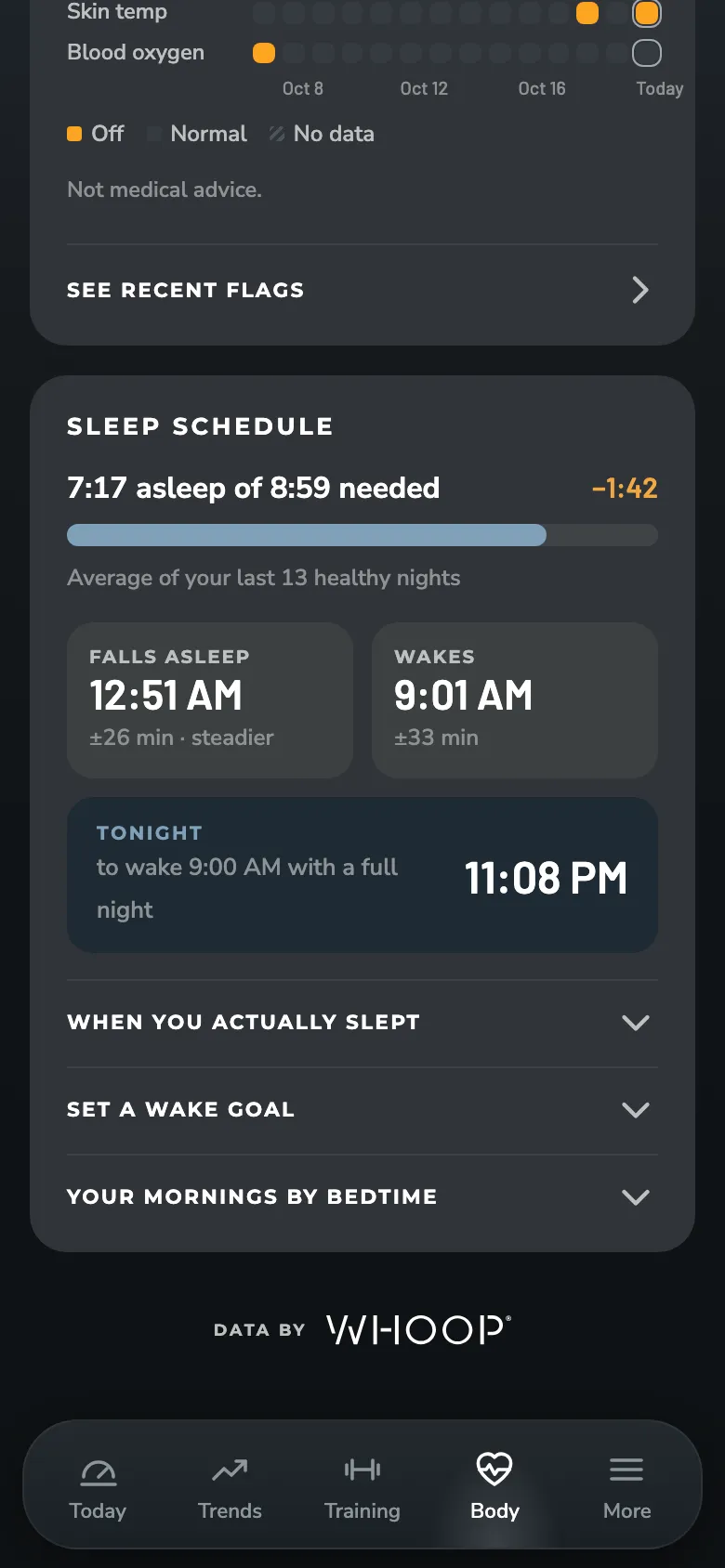
How WHOOP data is handled
What WHOOP data can ZONAL see?
Only what members approve. They sign in with WHOOP OAuth and grant read-only access to their profile, body measurements, recovery, cycles, sleep and workouts. ZONAL can't change anything in WHOOP.
How is the data stored?
WHOOP data, names, emails and sign-in tokens are stored encrypted. Nothing is sold, used for advertising or used to train AI.
How do I delete my data?
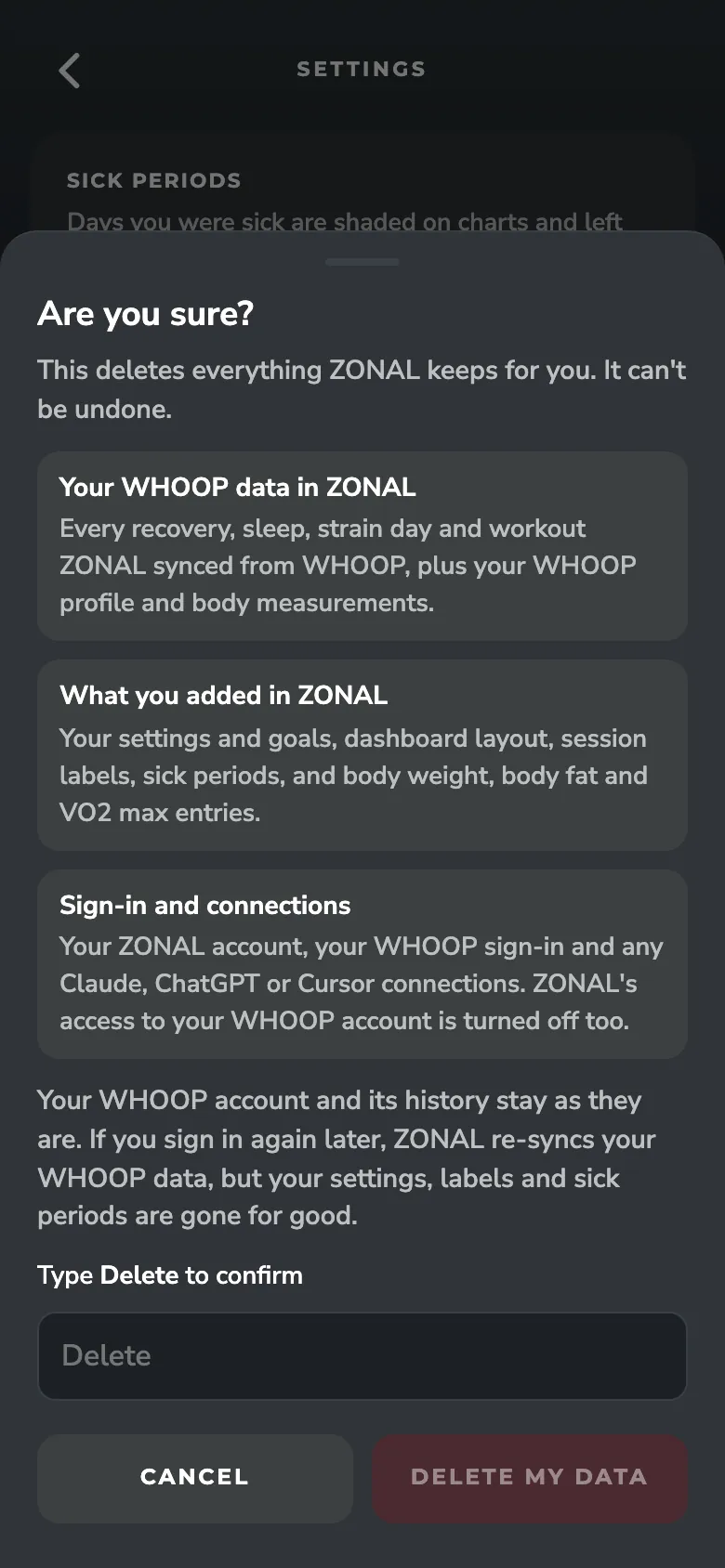
Go to Settings, Data, Delete my data. It erases everything ZONAL holds and revokes its WHOOP access.
How is WHOOP credited?
WHOOP data is labeled "Data by WHOOP" and shown in WHOOP's recovery colors. The ZONAL Score is labeled as ZONAL's own.
Screens show real WHOOP data from a beta member, with their name removed. ZONAL works with your WHOOP account and is not affiliated with or endorsed by WHOOP. ZONAL is for training and wellness and isn't medical advice. Read the privacy policy.