
Log weight, body fat and VO2 max
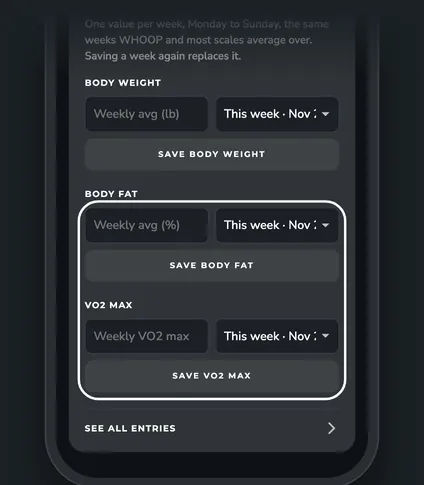
WHOOP keeps your current weight but no history. Log a value each week in ZONAL and your Goals page shows the trend and when you'll reach your goal.
Steps


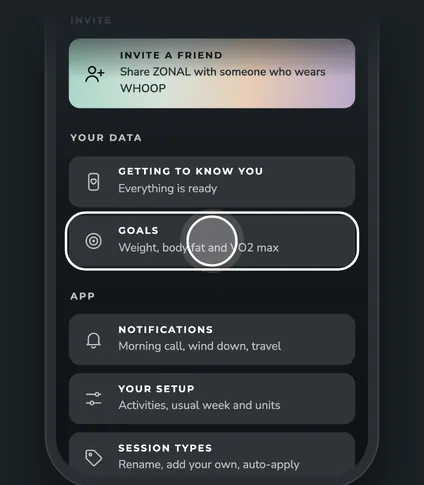
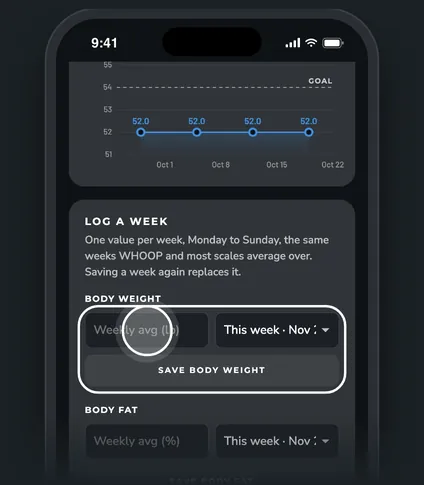
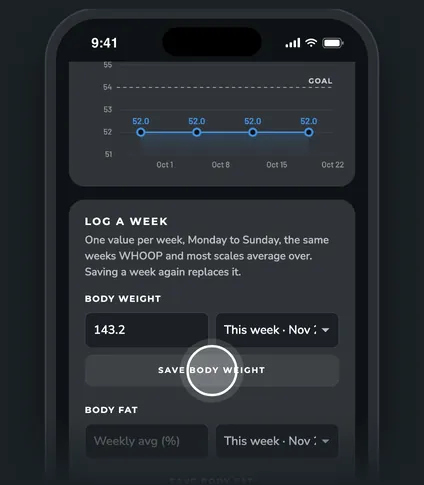
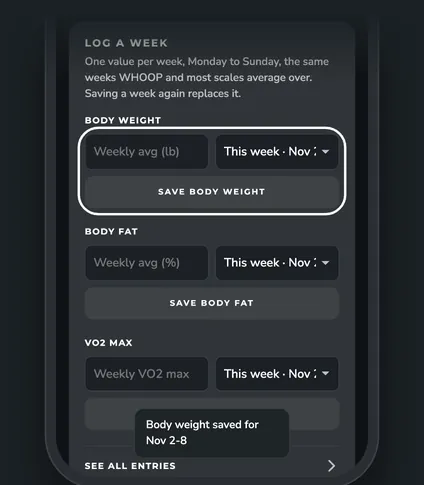
Step 1 of 5
How weekly entries work
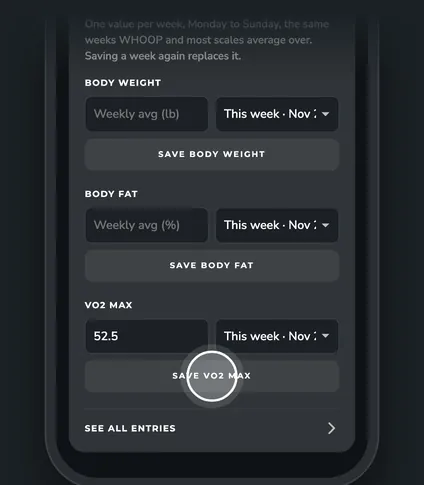
- One value per week. Weeks run Monday to Sunday. Enter your average for that week.
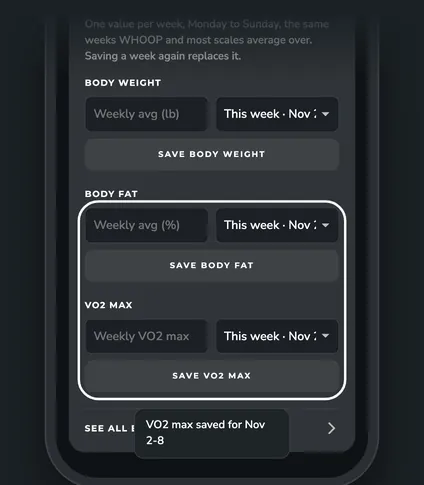
- Saving a week again replaces it. You can pick any of the last 52 weeks from the list.
- Units. Body weight uses the units you picked in Your setup (lb or kg). Body fat is a percent.
Which forms you see
The Log a week card on Goals always has body weight. Body fat and VO2 max show when those goals are on. Turn goals on or off in Your setup (More, then Your setup).
See and delete entries
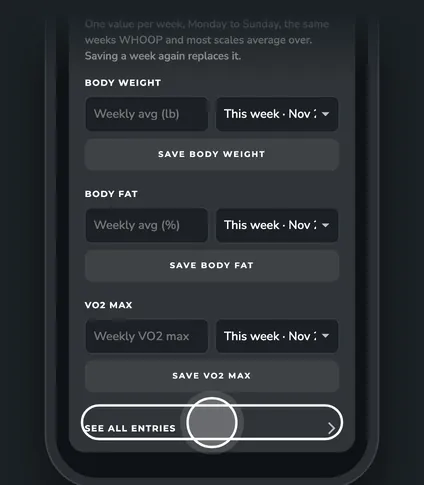
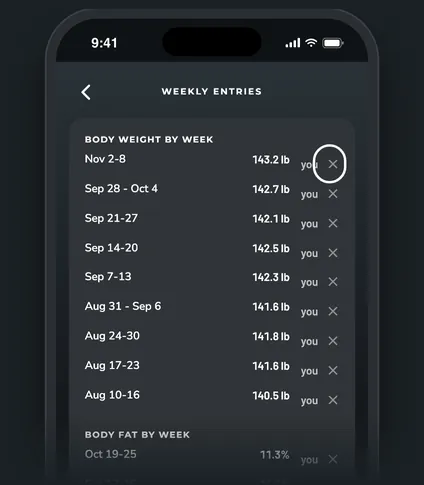
Tap See all entries under the Log a week card. It lists every week, newest first. Tap ✕ next to a week you entered to delete it. A toast lets you undo it.
Questions
How long until I see a goal date?
Goals project a date once there are 3 or more weeks logged. Projections use your last 4 weeks by default (Weeks in the projection, in Edit goals).
Can I change my goal?
Yes. Tap Edit goals on the Goals page. It saves as you type.
Related
Was this helpful?