
Delete your data
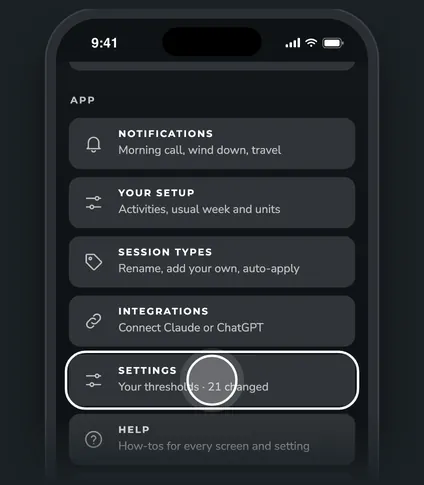
You can erase everything ZONAL keeps for you at any time, right from Settings. Your WHOOP account and its history aren't touched.
Steps




What gets deleted
- Your WHOOP data in ZONAL. Every recovery, sleep, strain day and workout ZONAL synced from WHOOP, plus your WHOOP profile and body measurements.
- What you added in ZONAL. Your settings and goals, dashboard layout, session labels, sick periods, and body weight, body fat and VO2 max entries.
- Sign-in and connections. Your ZONAL account, your WHOOP sign-in and any Claude, ChatGPT or Cursor connections. ZONAL's access to your WHOOP account is turned off too.
The confirm step
Tapping Delete my data opens an Are you sure? sheet with the list above. The red Delete my data button stays off until you type Delete in the box. Tap it, you'll see "Your data was deleted", and ZONAL takes you back to its start page.
This can't be undone. If you sign in again later, ZONAL syncs your WHOOP data again, but your settings, labels and sick periods are gone for good.
Good to know. In the demo, nothing is deleted. You'll see a note that explains what would happen instead.
Questions
Does this delete my WHOOP account?
No. Your WHOOP account and its history stay as they are. ZONAL only removes its own copy and its access.
Do I also need to remove ZONAL from Claude or ChatGPT?
Their access ends when you delete your data. To tidy up, remove the ZONAL connector from the app's own list too.
I just want to stop emails, not delete everything.
Use the Unsubscribe link at the bottom of any ZONAL email. See Emails from ZONAL.